
Desktop Setup
Step 1
Click on this link from your welcome email
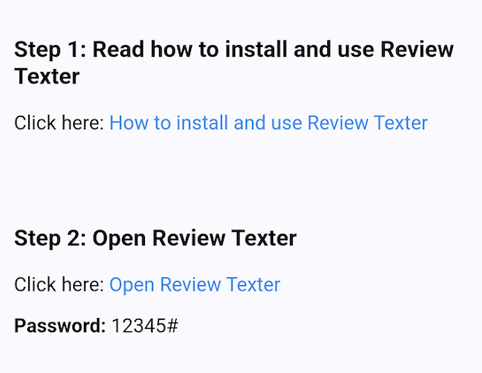


Click Link
(open on any browser)
Step 2
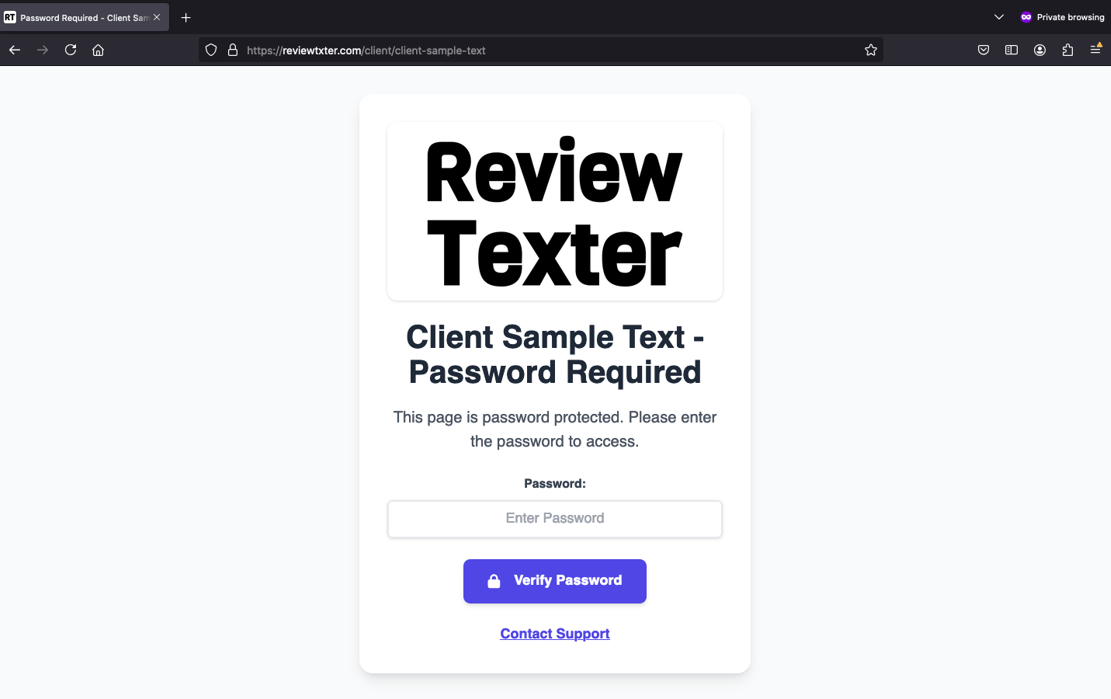
Enter password


Step 3
Enter phone number and click send
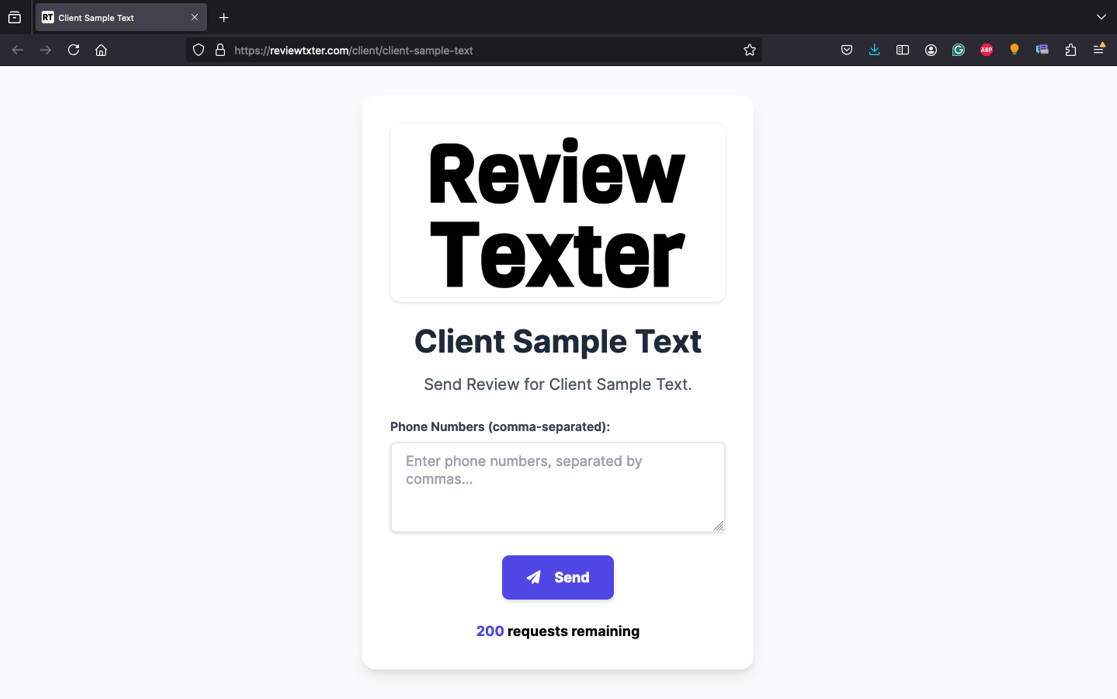

3. This will be your default message, which works great for getting reviews:
1. You can input phone numbers in any format:
(504) 555-4444
504-555-4444
5045554444
IMPORTANT NOTES:
If you need any help with set up or have any questions please contact us at: support@reviewtexter.com
(800) 679-5420
(504) 555-4444, 504-555-4444
2. When sending to multiple phone numbers, make sure to separate them with a comma:
[Your Business Name] - Appreciates Your Business!
Help Us Grow By Leaving a Review
Click here: https://reviewtexter.com/t/
Reply STOP to opt out
4. By default, your customers will receive reminder messages every 3 days. Once they click on the link, the reminders automatically stop. We automatically send 3 messages unless the link is clicked earlier. Need a different schedule or number of messages? No problem—just contact our support team, and we’ll customize it for you.
5. Quick Pitch to Your Customer
YOU: Hey, (Customers Name), would you mind leaving us a review?
CUSTOMER: Sure!
YOU:
Great, I’ll text you the link. Thank you!